Android beta
On the Play Store — beta version for now
Android beta version
ResQtime is in beta on the Google Play Store. Install the app directly on your Android device — no group to join — and try the latest features.
Ongoing updates
Get new releases as soon as they are published on the Play Store.
Your feedback matters
Share your suggestions to help improve the app with each release.
Test in real conditions
Use ResQtime in training or competition and validate the features.
One-tap install
Open the ResQtime page on the Play Store from your Android phone or tablet, then tap « Install ».
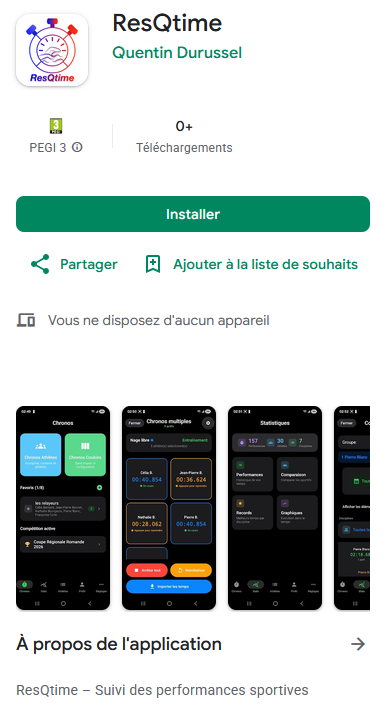
Install ResQtime
Open this link on your Android device to download the app
Free: No additional cost